Painting

Watercolor
Soft artistic watercolor
The gallery wall has a new headliner: your pet. Turn a dog or cat photo into an oil-painted masterpiece, a watercolor daydream or a storybook adventure worth framing.
Try with 3 free creation tokens after newsletter opt-in and email confirmation. One starter bonus per person. Get the free tokens
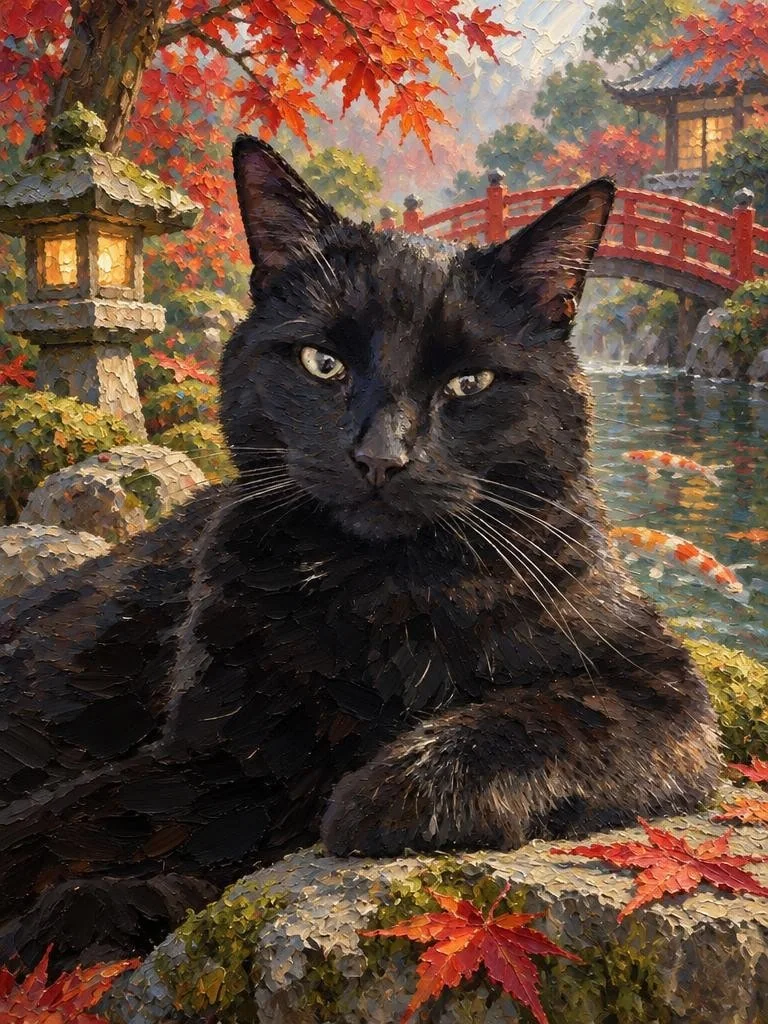
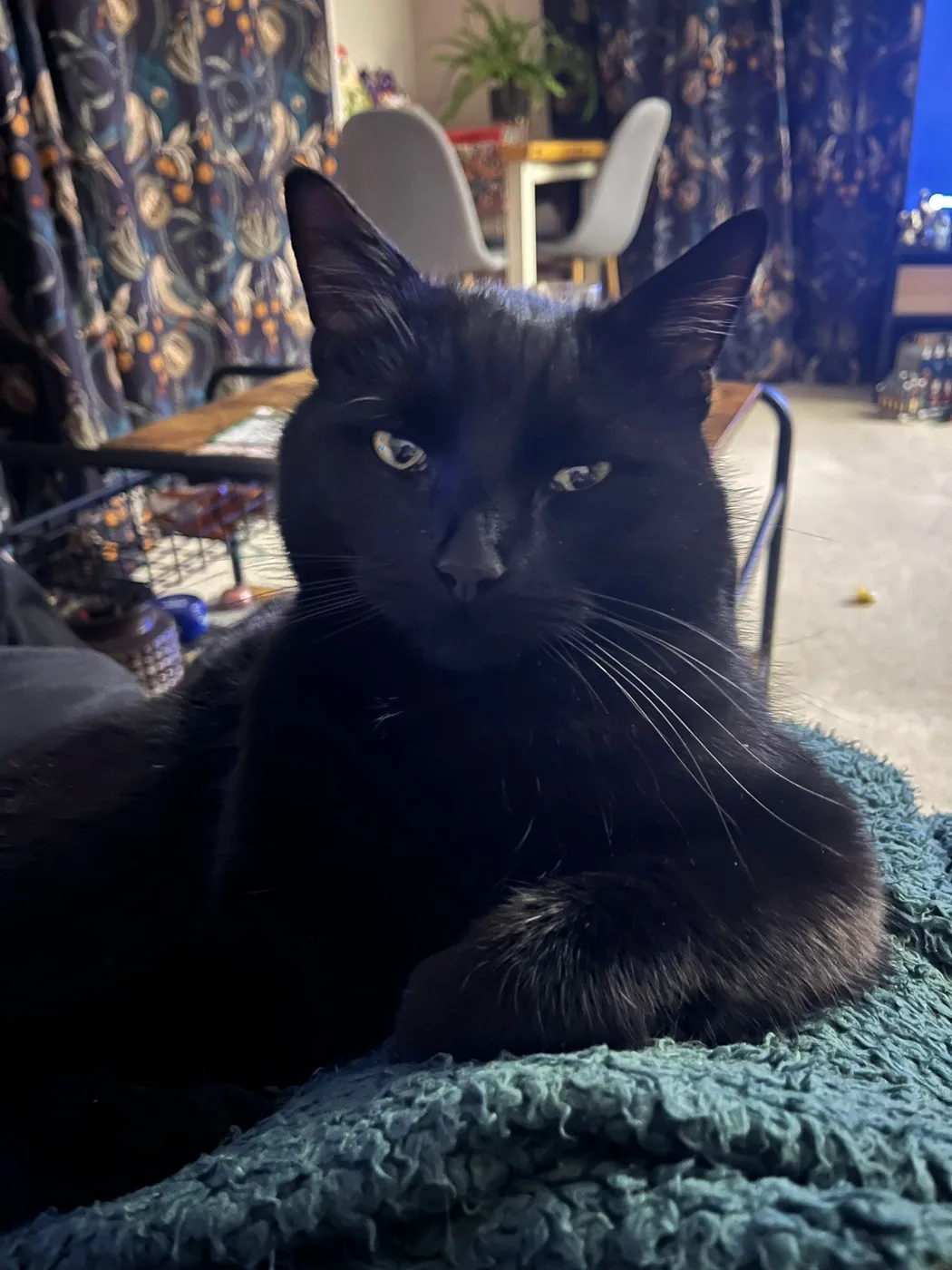
Turn your dog or cat into a storybook character, painted masterpiece, graphic icon or cinematic pet portrait ready to print and share.


Transparent washes and spring wildflowers turn Chuck's close outdoor photo into a bright watercolor portrait.
Creative choices
Creative Mode On
Spring Meadow
Wildflowers and drifting petals in gentle spring sunshine
Watercolor
Soft artistic watercolor
Upload a new photo or choose one of your saved pets next.


Warm painted linework and a glowing cabin fireplace frame Chunk's wide eyes and upward gaze.
Creative choices
Creative Mode On
Fireplace Cabin
Fireplace glow, plaid blankets and rustic cabin warmth

Storybook
Whimsical illustrated scene
Upload a new photo or choose one of your saved pets next.


Bold colour blocks, black contours and halftone detail turn Eve's tilted pose into a city poster.
Creative choices
Creative Mode On
City Skyline
Glowing skyscrapers and polished rooftop views at dusk

Pop Art
Bright graphic pop art
Upload a new photo or choose one of your saved pets next.


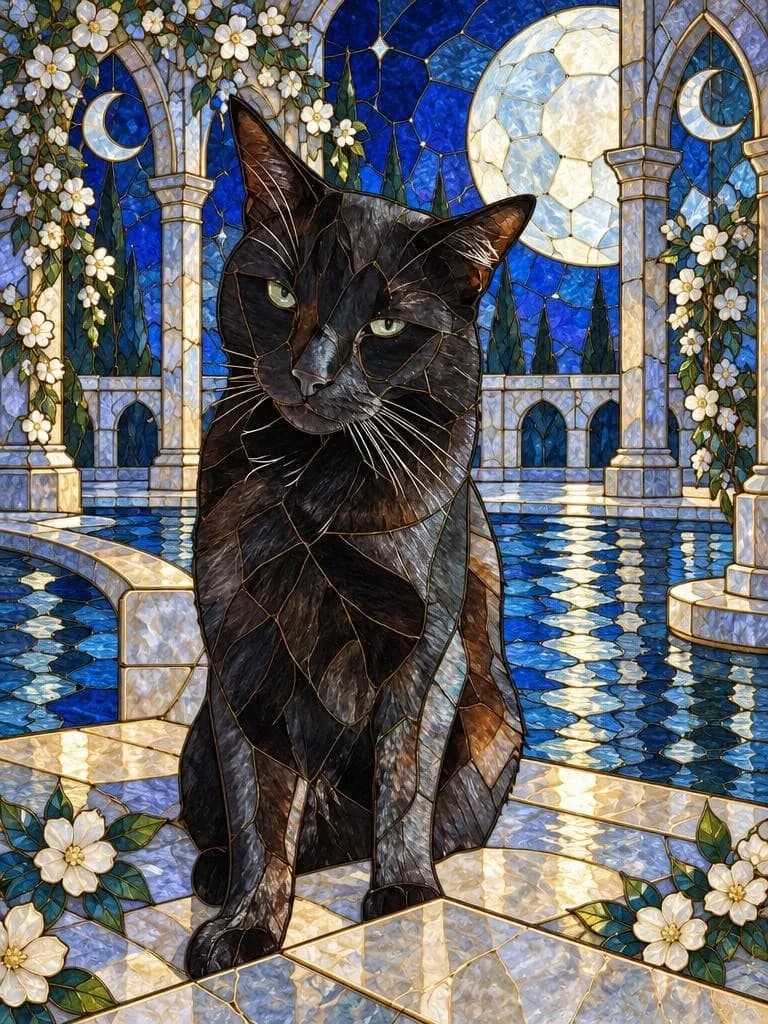
Blue glass, pearl highlights and dark leading reshape Chuck's upright pose inside a moonlit temple.
Creative choices
Creative Mode On
Moon Temple
Silver arches and reflecting pools beneath moonlight

Stained Glass
Luminous leaded-glass artwork
Upload a new photo or choose one of your saved pets next.
Open the studio doors to 182 styles, from quiet watercolor and rich oils to graphic colour, glowing glass and cinematic drama.
Watercolor
Soft artistic watercolor

Oil Painting
Classic oil painting
Storybook
Whimsical illustrated scene
Pop Art
Bright graphic pop art

Comic Cover
Heroic comic cover art
Stained Glass
Luminous leaded-glass artwork

Cinematic
Dramatic movie-like lighting

Colored Pencil
Detailed hand-drawn color

Sumi-e Ink
Loose expressive water-and-ink wash

Claymation
Handmade clay animation
Bring the sitter, choose the gallery and let paint, print, glass or illustration turn the familiar face into a portrait with presence.
Upload a new image or select one of the pets saved to your account.
Choose a photo
JPG, PNG or WebP

Build the portrait from visual choices, with up to three styles in one creation.
 Watercolor
 Oil Painting
 Pop Art
Review each finished portrait in your gallery and download the ones you want to keep.

Ready to download
DownloadFill an empty frame, surprise another pet lover or give the profile picture a proper gallery opening. The finished portrait can travel far beyond the screen.
Keep the pose and expression while changing the setting, colour and artistic finish.
Turn a familiar pet photo into a digital portrait for a birthday, celebration or thoughtful surprise.
Use bold graphic colour, soft illustration or painterly detail to create an image that stands out on screen.
Place your pet in a quiet garden, a glowing city or a storybook interior without taking another photo.
A few useful answers
Find answers about the free trial, token costs, downloads, privacy and choosing the look for your pet portrait.
See how it worksYou can get 3 free creation tokens after opting into the Edit My Pet newsletter and confirming the subscription by email. Create an account using the same email to receive the tokens. One starter bonus per person. Marketing is optional for paid use, and unsubscribing later does not remove tokens already awarded.
You need an account to create portraits and keep your images. A subscription is optional. You can buy creation-token packs when needed; pack tokens stay in your balance until used. Monthly membership tokens reset each billing cycle.
Standard token packs start at $4.49 USD for 15 creation tokens. Each 1K output uses one token. Supported 2K output uses two tokens per image. Selecting multiple styles creates one image for each style, and the total cost is shown before you create.
Upload a clear pet photo or choose a saved pet, select a scene and up to three styles, then create. To explore portraits alongside natural backgrounds and complete characters,
You can explore painterly, illustrated, cinematic, graphic, pixel, anime-inspired, craft and character styles. Watercolor, oil painting, storybook, pop art and stained glass are just a few starting points.
Yes. Start with a clear dog or cat photo where the face is easy to see. A sharp image with comfortable lighting gives you the most useful starting point for exploring different looks.
Yes. Select 'Use These Choices' to open Create with the complete combination ready for your pet. Choose 'Use This Style' to begin with that style and build the rest around it.
Yes. Select up to three styles for the same pet photo and scene. Each style produces a separate image. At 1K, three styles use three creation tokens; at supported 2K, they use six.
Free-account downloads include an EditMyPet watermark. After your first paid order, downloads are watermark-free, including images you created earlier. You can try the workflow before deciding whether to buy tokens.
Create defaults to 1K output. When the active generation model supports it, you can select 2K output for two tokens per image. Exact width and height depend on your photo's aspect ratio and the model. Download the generated image from your account rather than saving a smaller page preview.
Yes. Download the image to make personal cards, prints, gifts or social posts. Choose a print size that suits the image's actual dimensions. Review the terms for details about permitted use.
Private account images are not placed in the public gallery unless you choose a public feature. Your uploaded photos and generated images are handled as described in the privacy policy, including storage and deletion.
Creative Mode On applies the selected artistic medium to your pet and the scene. Turn it Off for a photographic pet in a new setting. Both modes aim to preserve recognisable features, pose and framing, but the artistic treatment and results can vary.
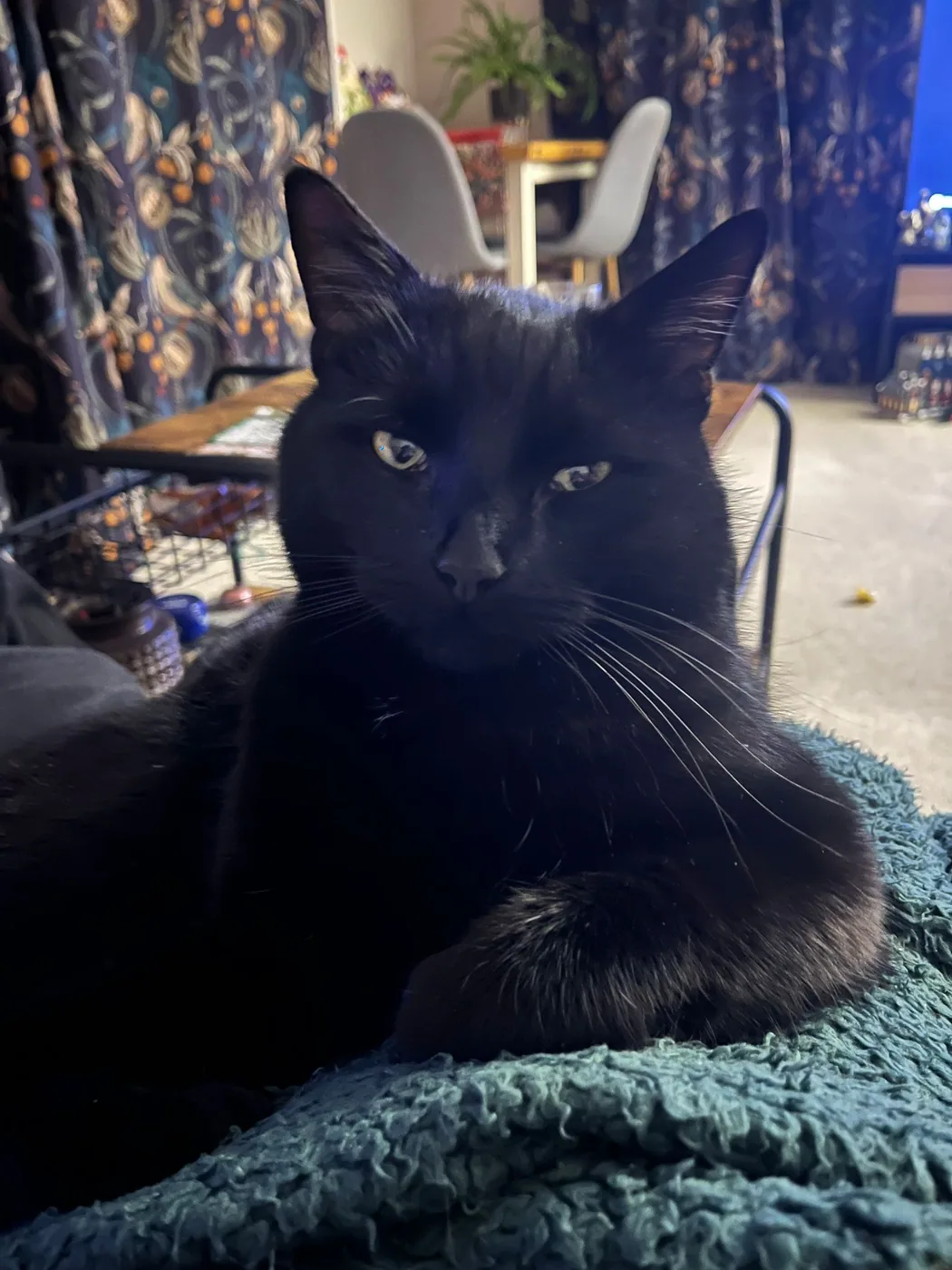
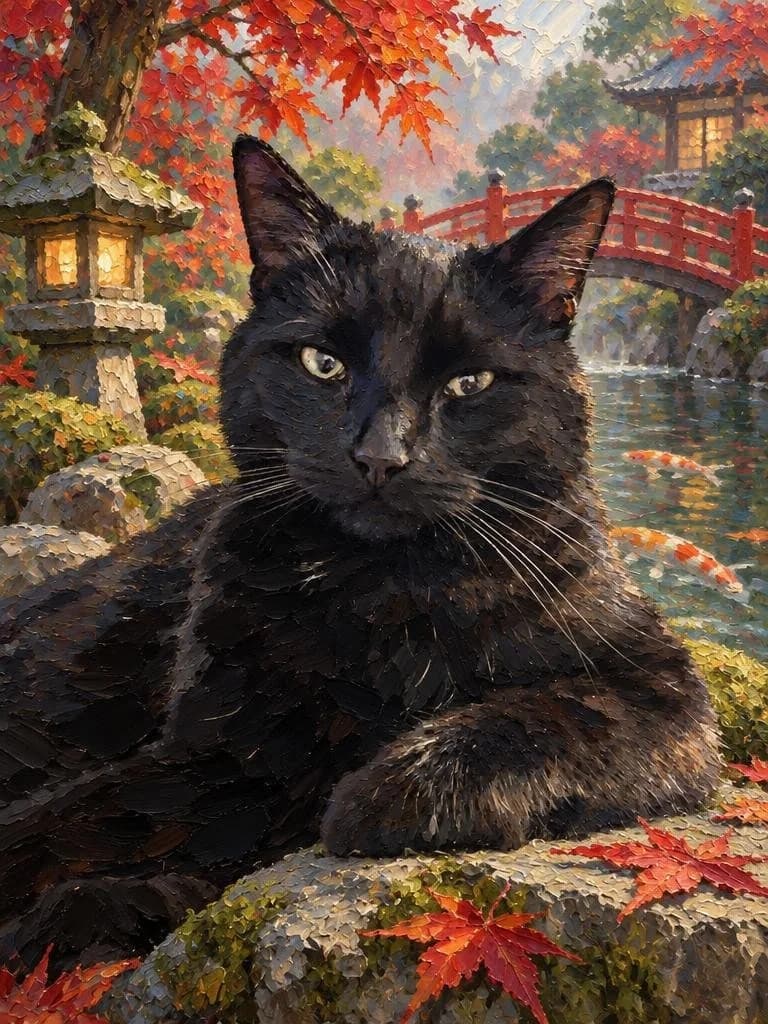
Commission the portrait without asking anyone to sit still. Create pet artwork with 182 styles spanning paint, illustration, print, cinema and digital colour.
Create Your Pet Portrait